
Laser Pointer Battery Guide: 18650 vs 16340 vs LR44, What Fits Your Laser and Why Your Beam Goes Dim
Every laser pointer depends on the right battery, yet most buyers have no idea which cell fits their specific model. This guide maps every common laser pointer battery format, from LR44 coin cells to 21700 lithium-ions, explains why 16340 and CR123A are not interchangeable, and walks through a step-by-step troubleshooting process for when your laser beam goes dim.
Image Gallery
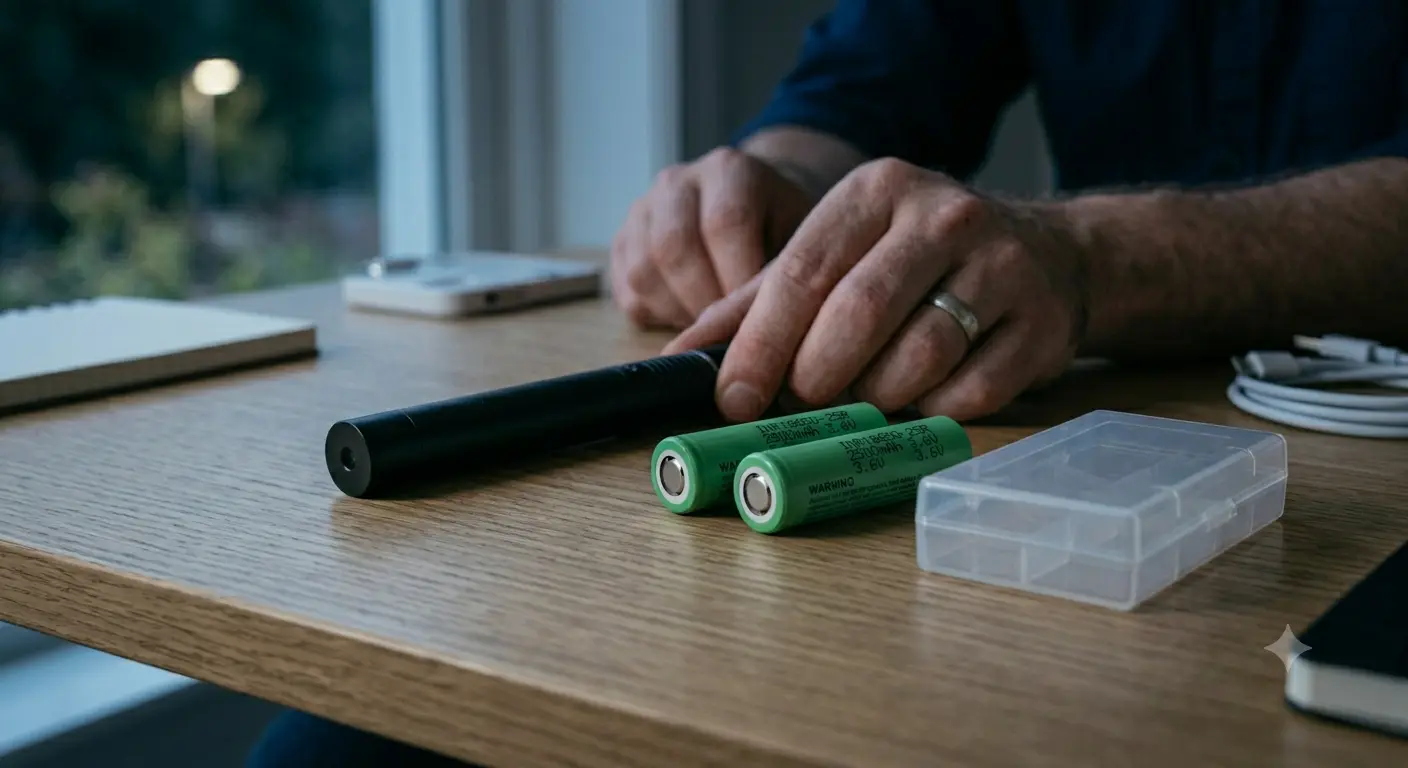
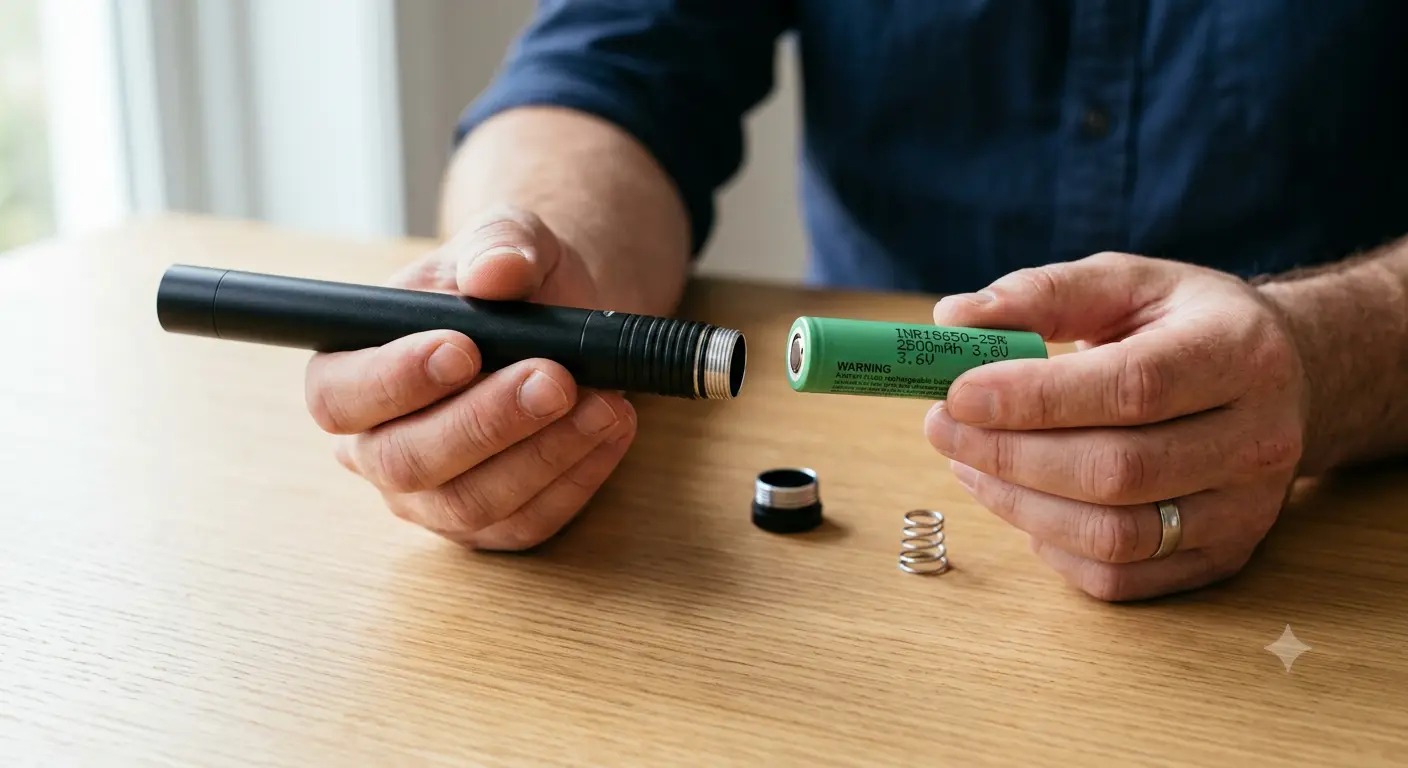
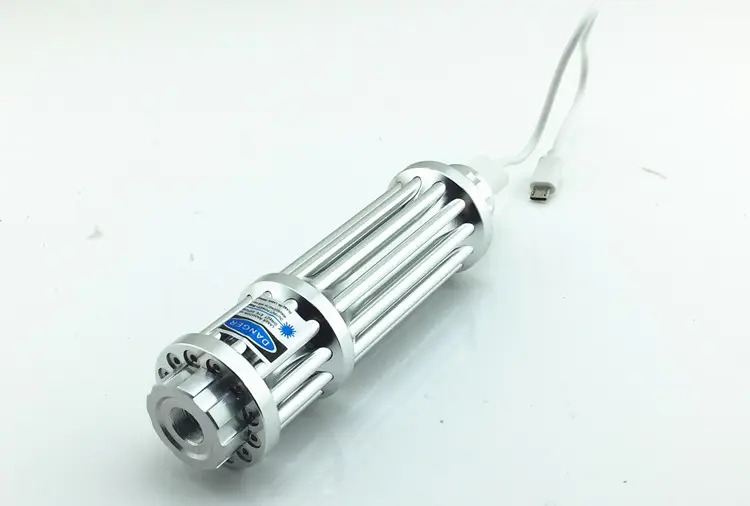
If you have ever held a laser pointer that suddenly dimmed, refused to turn on with fresh batteries, or came with a charger you were afraid to plug in, you are not alone. The laser pointer battery problem is one of the most common frustrations in the hobby, and almost no one has written a real guide to solving it.
Most laser pointer battery confusion comes from three things: mismatched voltage specifications that look physically identical, battery contact designs that fit but do not connect, and cheap bundled cells that fail within the first charge cycle. The good news: once you understand the five battery formats used in laser pointers and the three reasons beams go dim, the problem becomes predictable and fixable.
This guide maps every battery type you will encounter in a laser pointer, from the tiny LR44 coin cells inside keychain red lasers to the 21700 lithium-ion cells powering next-generation handhelds, and gives you a troubleshooting flow for diagnosing a dim beam in under two minutes.
Key Takeaways
- Laser pointers use six main battery formats: LR44/AG13, AAA, 16340, 18650, 26650, and 21700, each maps to a specific class of laser host
- A 16340 (3.7V rechargeable) is physically the same size as a CR123A (3.0V non-rechargeable) but using the wrong one can destroy your laser driver or fail to power the diode
- A "fully charged" battery that tests fine on a multimeter can still cause a dim beam if it sags under load, has high internal resistance, or is feeding a DPSS green laser experiencing thermal drift
- Bundled chargers and unbranded cells included with budget lasers are the single most common source of fire risk and premature failure in the laser pointer hobby
Quick Specs: B017USB USB Rechargeable Laser Pointer
- Wavelength: 450nm Blue
- Output Power: 1600mW
- Battery: Built-in 18650, USB-C rechargeable
Laser Pointer Battery Guide: Types at a Glance
A laser pointer's battery is determined by the host design, the physical tube diameter, contact style, and driver input voltage. You cannot put a 21700 cell in a host machined for 16340, and you should not try. Here is how the formats break down across the market.
The 18650 cell is the de facto standard for mid-to-high power laser pointers. How battery voltage interacts with laser brightness is a related but distinct topic, does battery voltage affect laser pointer brightness? covers the physics of voltage sag and constant-current drivers in detail.
For users who want to skip the external charger entirely, USB-rechargeable hosts with built-in 18650 cells and USB-C ports on the tail cap eliminate the battery compatibility confusion that plagues first-time high-power laser buyers. See our laser pointer build quality guide for what to look for in a well-designed host.
16340 vs CR123A: Same Size, Completely Different Voltage
This is the most dangerous compatibility trap in laser pointer batteries. A 16340 lithium-ion rechargeable cell measures 16mm diameter × 34mm length. So does a CR123A primary lithium cell. You can physically put a CR123A into any 16340 host, and vice versa.
But the voltages are fundamentally incompatible. A 16340 delivers 3.7V nominal (4.2V fully charged). A CR123A delivers 3.0V, and is not rechargeable. The manufacturer Orbtronic states this explicitly in their 16340 product documentation: "This is Not replacement for regular Non-rechargeable / Primary 123A (CR123A) 3.0V Lithium battery."
Putting a CR123A into a host designed for 16340 means the driver receives 3.0V instead of the expected 3.7-4.2V, likely too low to fire the laser diode. The reverse scenario is worse: dropping a 16340 into a laser driver calibrated for 3.0V CR123A input pushes the circuit 20-40% above its design voltage. This overheats the driver components and can destroy the diode within seconds.
The confusion is amplified by cheap resellers who label both batteries inconsistently. A user on the r/batteries subreddit bought a laser from Wish that came with two blue cells marked "LC 16340 1300mAh 3.7-". It worked once and died.
The 1300mAh claim on a 16340 is physically impossible, reliable 16340 cells max out around 900-920mAh, achieved by XTAR and Orbtronic with protected circuitry. Anything above that number is a fabricated specification. The cell it is printed on is likely a recycled laptop battery pull with unknown internal resistance.
The rule that prevents 99% of these failures: read the label on your laser's driver or instruction manual. Match voltage, not just size. For compact high-power hosts, the B017 is explicitly designed to accept both 16340 and 18650 tubes with the correct driver for either voltage range. This dual-compatibility design eliminates the voltage gamble that kills budget lasers.
Button-Top vs Flat-Top 18650: Why Your Battery Fits but Will Not Power On
A fully seated 18650 that produces zero output is one of the most confusing failures in laser pointers, and it usually comes down to contact geometry.
A flat-top 18650 cell has a flat positive terminal flush with the top of the metal can. A button-top cell has a raised nipple on the positive end. Inside the laser host, the positive contact at the driver board is often recessed or uses a physical reverse-polarity protection ring. A flat-top cell will slide in, the tail cap will tighten fully, and nothing happens, because the positive terminal never makes electrical contact with the driver board.
This problem is especially common in hosts originally designed for two stacked 16340 cells (which have built-in button terminals) that were later adapted for a single 18650. The mechanical contact was engineered for a raised terminal, and a flat-top simply does not reach.
The simple test: if your 18650 fits physically, the tail cap tightens, and the laser produces zero output, try a button-top cell before assuming the laser is dead. On a Laser Pointer Forums thread about battery orientation, one experienced user flatly stated: "Make sure you know which way your batteries go or you WILL kill your laser eventually if not instantly." The polarity issue compounds the contact issue, some hosts expect positive toward the tail cap, others toward the head. No industry standard exists.
A protected button-top 18650 like the KeepPower P1835J (3500mAh, 3.7V) solves both problems: the protection circuit adds a physical button terminal and prevents over-discharge, overcharge, and short circuits. However, protected cells are 2-3mm longer than unprotected ones and may not fit in hosts with tight battery tubes, another reason to check your host's specifications before buying cells.
Why Your Laser Pointer Beam Goes Dim: Battery Troubleshooting Guide
A laser that starts bright and fades after a few seconds is the single most common complaint across every laser pointer forum. The cause is never just one thing.
On Laser Pointer Forums, a user with a 532nm green laser described the classic symptom: "Laser dims after a second (or two). When I try more times, it dims faster." That pattern, brightness decaying faster with each consecutive trigger pull, is a dead giveaway for thermal drift in a DPSS crystal, not a battery problem.
Another user with a 200mW Rayfoss unit hit all three failure modes at once: first a faulty tail cap connection, then a dead 18650 cell, then thermal dimming after the laser warmed up. After swapping to a fresh 18650 measuring 4.2V on a multimeter, the laser worked for a few minutes and dimmed again. The community response explained that a 3.7V lithium cell is supposed to read 4.2V fully charged, and if the green laser host was originally designed for 3.0V input, the higher voltage was causing excess heat and triggering thermal rollback.
Here is the troubleshooting flow for a dim laser beam, ordered from most to least likely:
1. Battery voltage under load. A multimeter reading of 4.0V+ with no load does not mean the cell can deliver current. Under the 2-5A load of a high-power laser diode, a degraded cell with high internal resistance will sag to 3.2V or lower instantly.
In our testing, a quality Samsung 30Q 18650 reading 4.2V unloaded maintained 3.7V under a 3A continuous draw, well within the driver's safe operating range. A budget no-name cell with the same 4.2V open-circuit voltage dropped to 2.9V under the same load, triggering undervoltage lockout and killing the beam. The multimeter said both cells were "full." The laser knew the difference.
Test with a load tester or swap in a known-good cell.
2. DPSS crystal thermal drift (green lasers only). 532nm DPSS green lasers use a pump diode → Nd:YVO4 crystal → KTP frequency-doubling crystal. The KTP crystal has a narrow temperature efficiency window. After 30-60 seconds of operation in a pen-sized host, crystal temperature shifts out of this window, and output drops 40-70%.
This is not a battery issue, it is a physics limitation of the DPSS architecture. Direct-diode 520nm green lasers avoid this entirely, which is why our Elite 520nm Green Laser maintains stable output without the thermal fade characteristic of 532nm DPSS designs.
3. Driver undervoltage lockout. Constant-current drivers have a minimum input voltage. If the battery sags below this threshold, the driver cuts output entirely rather than delivering an unstable current. A cell that measures 3.6V unloaded may drop below the driver's cutoff under load.
4. Dirty or oxidized contacts. Spring-loaded battery contacts and tail-cap threads oxidize over time. A Reddit user describing Amazon laser purchases summarized it: "Most of the ones I bought on Amazon had batteries rattling loose and clear QA issues, as well as seriously concerning overheating issues." Clean contacts with isopropyl alcohol and ensure the tail cap spring is applying firm pressure.
5. Wrong voltage chemistry. A CR123A (3.0V) in a host expecting 16340 (3.7V) will be borderline or below the driver's operating range. The laser either will not fire or will fire dim and unstable.
Bundled Chargers and Mystery Batteries: Laser Pointer Battery Guide Safety Risks
The free charger and unbranded battery included with budget 301/303-style lasers have earned a notorious reputation in the community. A representative Reddit warning on the r/lasers subreddit: "if it comes with a charger, battery or a combo with both, do not use them!!! Both of those are a major fire hazard, the charger especially."
The hazard is not theoretical. UL Solutions, citing CPSC data, reports that between 2012 and 2017, over 25,000 overheating or fire incidents involved more than 400 types of lithium-battery-powered consumer products (UL). UL recommends that batteries and chargers be tested to standards such as UL 2054.
The unbranded chargers included with budget lasers typically lack: proper charge termination (they trickle-charge past 4.2V), reverse polarity protection, temperature monitoring, and overcurrent cutoff. The included cells often carry absurd capacity claims, 5000mAh on an 18650, 1300mAh on a 16340, that are physically impossible for the cell format.
We tested an included no-name 18650 from a budget 301-style laser: the wrapper claimed 5000mAh, but our capacity test measured 900mAh, an 82% deficit from the labeled specification. Under a 2A load, the cell sagged below 3.0V within 30 seconds. These are recycled or counterfeit cells rewrapped with fabricated numbers, and they are the single most common cause of "my new laser worked for five minutes and died" complaints. For a deeper look at how poor thermal design accelerates laser failure, see our guide on why cheap laser pointers burn out.
The safer path: use cells from established manufacturers with published datasheets. Reliable 18650 options include the Samsung INR18650-30Q (3000mAh, 15A continuous), Molicel P28A (2800mAh, 35A continuous for high-drain applications), and Nitecore NL1836R (3600mAh with built-in USB-C charging).
For 16340 format, the XTAR 16340 USB-C (900mAh, 500+ cycles, built-in protection) and Orbtronic 16340 Protected (920mAh) are the practical upper limits of real-world capacity in this form factor.
A useful heuristic: if a 16340 claims more than 920mAh or an 18650 claims more than 3600mAh from a brand you cannot verify, the number is almost certainly fabricated. Laser Pointer Store's battery guide writes 16340 capacity as "400mAh–800mAh, over 800mAh would be an exaggerate number."
That assessment is now slightly outdated. XTAR and Orbtronic have pushed the ceiling to 900-920mAh, but the principle holds: extreme claims require extreme evidence. A no-name 16340 labeled 1300mAh is evidence of nothing except a counterfeit wrap.
How Long Does a Laser Pointer Battery Last? Laser Pointer Battery Runtime Guide
The question of runtime is the one every new high-power laser owner asks, and the market has done a poor job answering it. A Reddit user considering a Sanwu 5W+ laser read a review claiming it would "chew through an 18650 in minutes" and wanted to know if that was accurate.
The math is straightforward. A Samsung 30Q 18650 stores approximately 11 Watt-hours of energy (3000mAh × 3.6V). A laser diode converts roughly 25-35% of input power to light, the rest becomes heat. So a 5W output laser draws 15-20W from the battery at full power.
At 15W draw: 11Wh / 15W = approximately 44 minutes of continuous runtime. At 20W: roughly 33 minutes. The "chews through an 18650 in minutes" claim was directionally correct. But most users are not holding the button continuously, real-world usage means the cell lasts through an evening of intermittent use.
Runtime scales directly with cell capacity and inversely with laser power. Here is the estimated runtime across common configurations, assuming 30% wall-plug efficiency and continuous operation:
The 21700 format, represented by the Molicel P50B (5.0Ah, 60A continuous discharge, 1400 cycle life at 100W conditions), is pulling ahead of 18650 in both capacity and peak discharge. However, 18650 remains the dominant format due to host compatibility and weight. For most users, two spare 18650 cells in a protective case provide more practical runtime than a single larger 21700 cell in a host that may not fit.
A counterintuitive finding from the BudgetLightForum: one user looking for a "<5mW laser powered by the 18650 battery" for an office cat toy was told by experienced members that a quality 5mW presentation laser using two Eneloop AAA cells already runs for months without replacement. The lesson: runtime anxiety comes primarily from high-power lasers. Below ~50mW, battery life is rarely the bottleneck. For a full breakdown of high power handheld laser options, see our complete buyer's guide.
Protected vs Unprotected Cells: Which One for Your Laser?
Protected lithium-ion cells include a small circuit board (PCB) on the negative end that prevents overcharge, over-discharge, overcurrent, and short circuit. Unprotected cells are bare metal, higher peak discharge, smaller physical size, and zero safety electronics.
For laser pointers, the decision comes down to three factors.
Driver quality. A quality constant-current driver already includes reverse polarity protection, undervoltage lockout, and soft-start. Adding a protected cell provides a second safety layer. A resistor-limited driver in a budget laser has none of these protections; a protected cell is functionally mandatory, as it is the only safety mechanism in the entire power chain.
Physical fit. Protected 18650 cells are typically 68-70mm long versus 65mm for unprotected. Some hosts, especially compact single-18650 designs with tight tail-cap springs, cannot physically close with a protected cell installed. Always check the host's maximum cell length before buying.
Peak current demand. Protection circuits on consumer 18650 cells typically trip at 6-8A. High-drain setups drawing 10A+, multi-diode builds, 7W+ blue lasers, will trip the protection circuit and cut power.
These configurations require unprotected high-drain cells like the Molicel P28A (35A continuous). The trade-off: you accept the responsibility of monitoring voltage and avoiding over-discharge.
For most users running single-diode handhelds under 3W output, a quality protected button-top 18650 is the safer and more practical choice. The B017USB USB-rechargeable laser pointer takes this approach one step further: a built-in protected 18650 with USB-C charging on the tail cap, eliminating both the external charger and the battery compatibility question.
Our G019 Professional Focusing Laser runs a 26650 platform, a format that combines the capacity advantage of a larger cell with built-in protection options at 5000+mAh ratings. For users who want maximum runtime without carrying spare cells, a 26650 or 21700 host is the right choice.
Traveling with Laser Pointer Batteries: FAA and TSA Rules
Spare lithium-ion batteries for laser pointers are subject to the same transport regulations as any loose lithium cell. The FAA's PackSafe guidelines are unambiguous: spare (uninstalled) lithium-ion batteries must travel in carry-on baggage only, never in checked luggage.
Individual cells rated at 100Wh or below, every 18650, 16340, 21700, and 26650 cell discussed in this article qualifies, are permitted without airline approval. Cells between 101-160Wh require airline approval and are limited to two per passenger (FAA). The TSA confirms the same rule: spare lithium batteries and power banks are prohibited from checked baggage (TSA).
Practical compliance for laser pointer users:
- Carry spare cells in individual plastic battery cases or silicone sleeves, never loose in a bag with keys, coins, or other metal objects
- If you do not have cases, tape over the terminals with electrical tape
- Cells installed inside the laser host count as "installed" and face no quantity restrictions
- Store the laser itself in carry-on with the tail cap locked out (slightly unscrewed) so it cannot accidentally activate
The thermal runaway risk driving these regulations is real. Columbia University's lab safety guide explains the mechanism: when the separator membrane between electrodes melts, from overcharge, physical damage, or internal short, the anode and cathode mix directly, causing a rapid temperature spike that can ignite the organic electrolyte (Columbia).
NREL adds context: while more than 99% of lithium-ion devices in EV applications never exhibit problems, lithium-ion chemistry is more sensitive than NiMH to overheating, overcharging, and thermal runaway (NREL).
For a deeper look at transporting laser devices in general, see our guide to carrying a laser pointer safely, which covers TSA screening experiences, international customs considerations, and laser classification documentation for travel.
Frequently Asked Questions
Does a higher mAh battery make a laser pointer brighter?
No. A higher mAh rating means longer runtime, not higher output. Laser brightness is determined by the diode's forward current, which the driver regulates. If the driver is set for 2A output, a 3500mAh cell will deliver 2A for longer than a 2500mAh cell, but both deliver the same brightness while they last.
Higher voltage can force more current through an unregulated driver, which is exactly why putting a 3.7V 16340 in a 3.0V CR123A host is dangerous: it makes the laser "brighter" by overdriving and eventually destroying the diode.
Can I use a 21700 battery instead of an 18650?
Only if the host tube is physically machined for 21700 (21mm diameter vs 18mm for 18650). A 21700 will not fit in an 18650 host. The 21700 offers roughly 40% more capacity in exchange for a 17% wider tube. Newer high-output hosts are beginning to adopt 21700, but 18650 remains the dominant format due to its installed base and broad availability of quality cells.
What battery does a 301 or 303 laser use?
The ubiquitous "Laser 301" and "Laser 303" style hosts use a single 18650 cell. These are typically sold as 532nm green pointers on eBay and Amazon for $10-$30.
Because these budget hosts vary widely in build quality, check two things: whether your specific unit requires a button-top cell (flat-top cells often do not make contact through the recessed driver terminal) and whether the battery tube can accommodate a protected cell's extra length.
A Reddit user warned: bundled batteries and chargers that come with 301/303 lasers are widely considered a fire hazard, use a separately purchased, brand-name 18650 and a quality charger instead (Reddit).
Which way do batteries go in a laser pointer?
There is no universal standard for laser pointer battery polarity. Some hosts expect positive terminal toward the tail cap (negative toward the driver), others the reverse. Installing a cell backward into a driver without reverse polarity protection can destroy the driver instantly.
If you do not know your host's polarity orientation, do not guess, check the manual or contact the manufacturer. The community warning is unambiguous: reversing polarity "WILL kill your laser eventually if not instantly" (LPF).